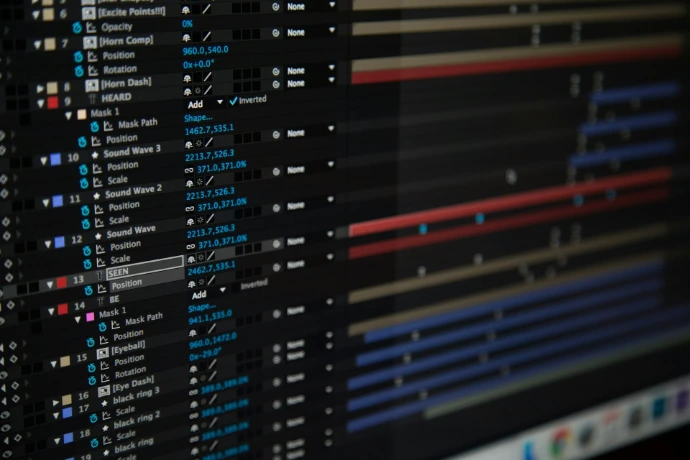
Basic Tools for Design in After Effects
Unlock the creative power of Adobe After Effects by learning essential techniques that every motion designer needs. In this course, you’ll discover how to precisely control anchor points for smoother animations, create symmetrical designs using mirroring, and crop layers or compositions for clean, professional results. Through step‑by‑step demonstrations, you’ll gain confidence in manipulating layers, refining compositions, and building efficient workflows. Whether you’re a beginner or looking to sharpen your skills, this course will help you transform simple shapes into polished motion graphics with clarity and precision.