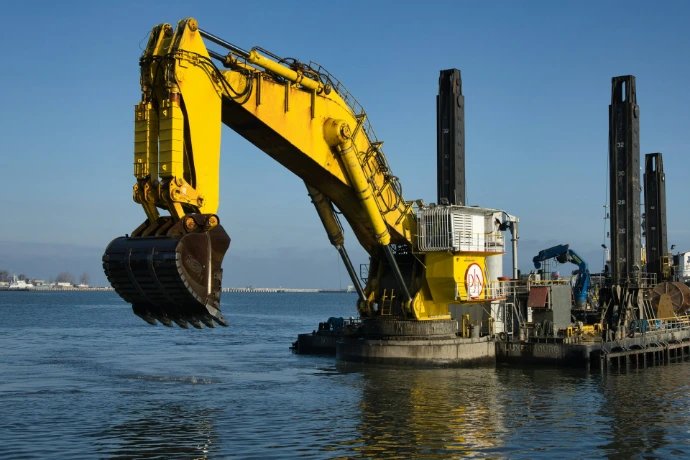
Excavator: Learning Set Driven Keys
In this activity, students will learn how to use Set Driven Keys in Autodesk Maya by creating and controlling a mechanical excavator arm. They will build curve controllers, establish driver–driven relationships, and automate joint movements to simulate realistic mechanical motion.
| Responsible | Dan Vincent Caneo |
|---|---|
| Last Update | 04/04/2026 |
| Completion Time | 1 hour 34 minutes |
| Members | 38 |
-
Classroom Live Demo1Lessons · 28 min
-
Live Demo Excavator
-
-
Recorder Lessons7Lessons · 1 hr 6 min
-
Lesson 1 Adding Joints
-
Lesson 2 Adding Control Curves
-
Lesson 3 Creating the Dashboard Control Board
-
Lesson 4 Limit Information
-
Lesson 5 Set Driven Keys
-
Lesson 6 Connection Editor
-
Lesson 7 Control Board and Sliders
-